Openers · Royal Beach
Garage Door Remote and Keypad Programming in Royal Beach
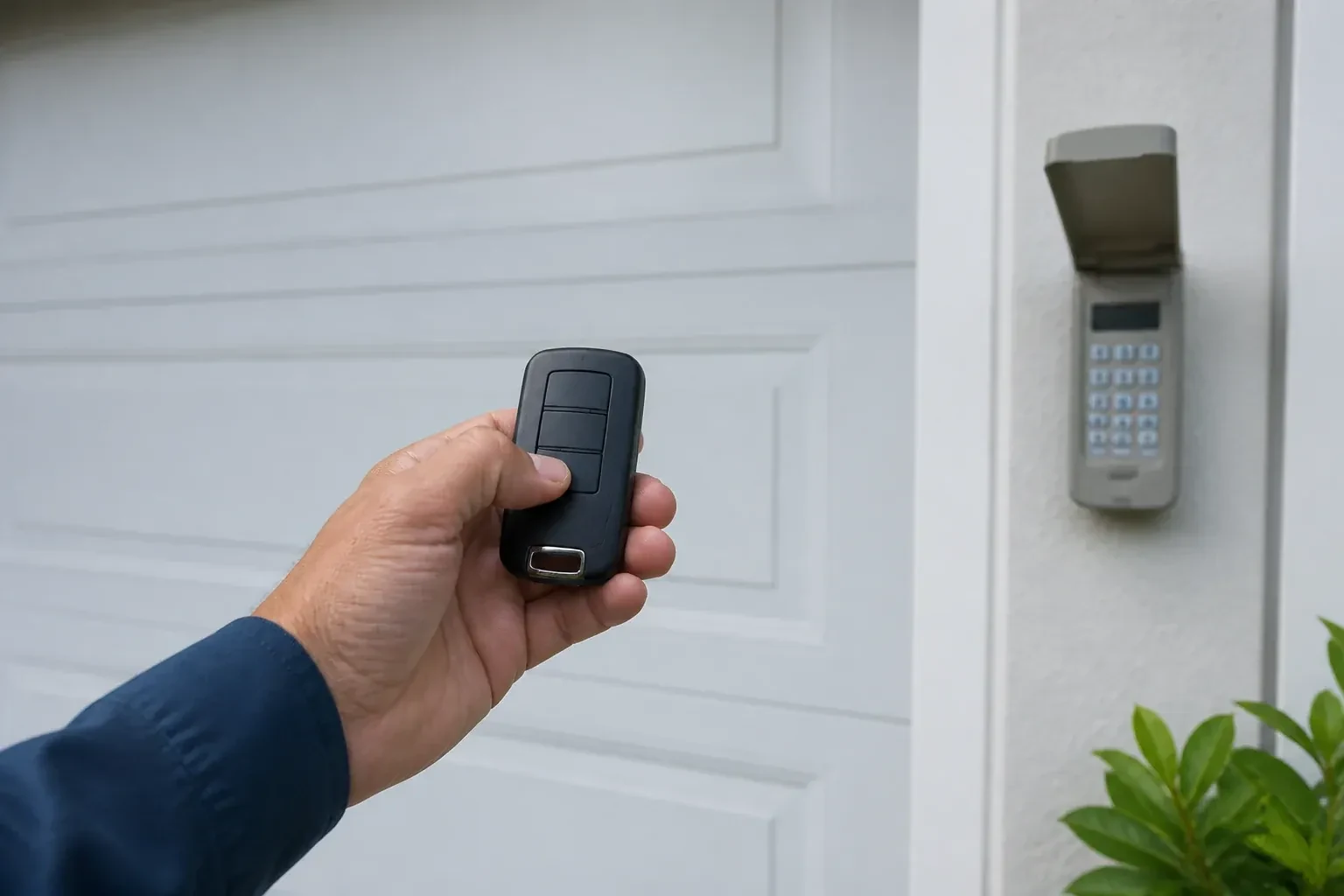
Someone in the family tried to add a remote, held the button on the ceiling unit a little too long, and now every remote in the house is dead at once.
In plain words
When you move into a house, or a remote goes missing, the question is who else can open the door. The answer lives in the opener's memory, and the technician can wipe it clean, following that model's own erase sequence to clear every remote and keypad code stored, including ones you have never seen. Unplugging the opener does not do this; only the correct sequence does. Your own remotes, the keypad with a code you choose, and any vehicle buttons are then programmed back one by one, and a connected app or account is checked too, so the door answers only to controls your household holds.
How the visit goesYour remote was in the visor when the car was broken into last night. So was the insurance slip with your address on it. The door still answers that remote, wherever it is now, and you would very much like it not to.
Garage Door Remote and Keypad Programming
How the visit goes
Which generation is this opener?
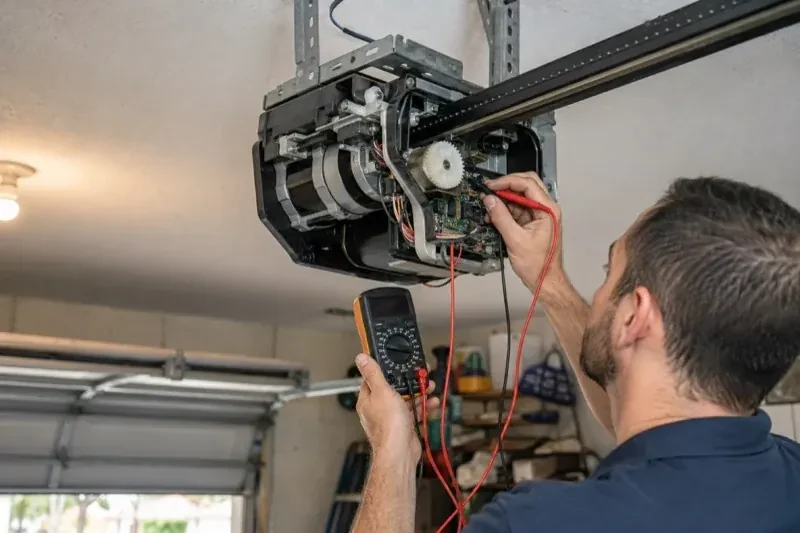
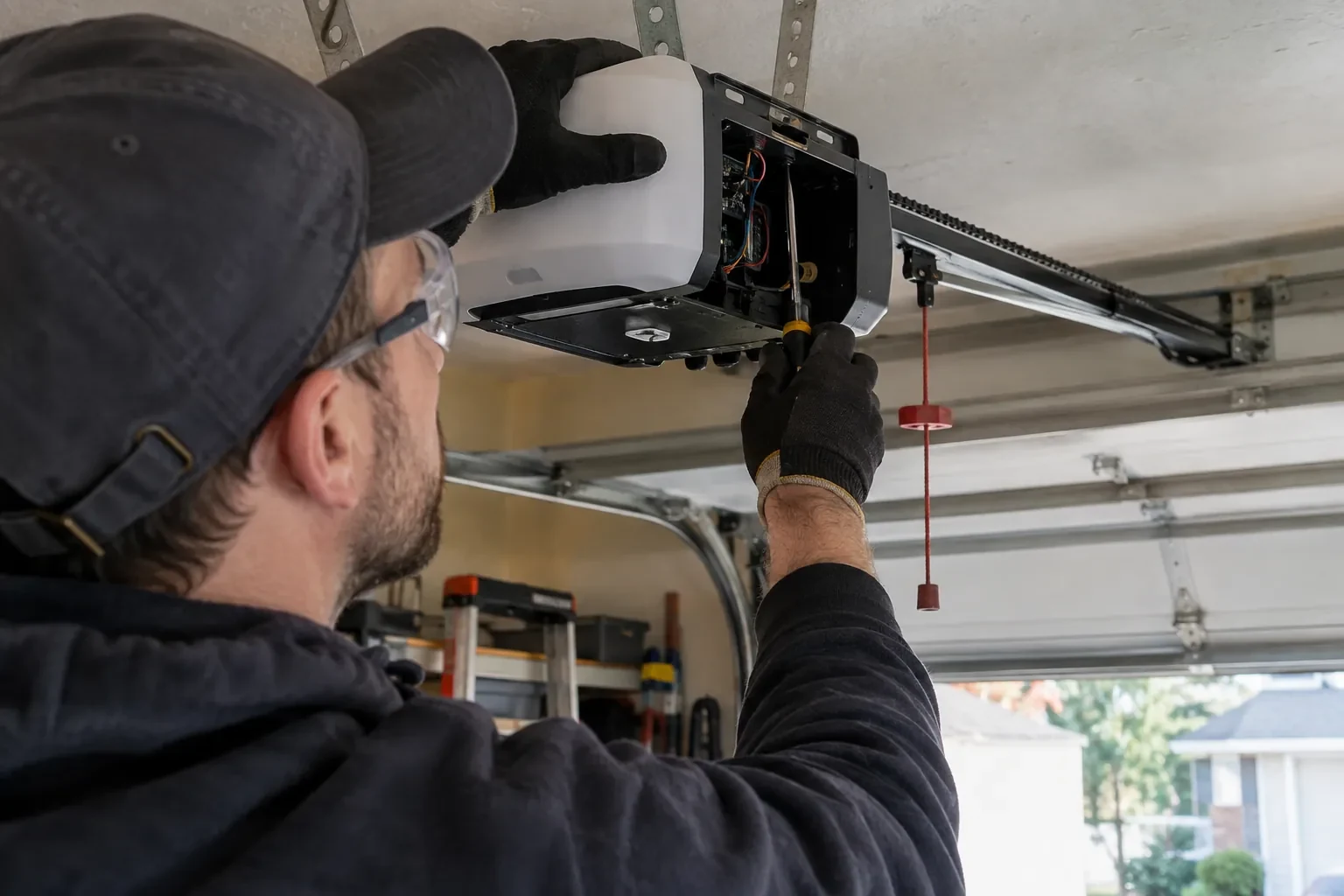
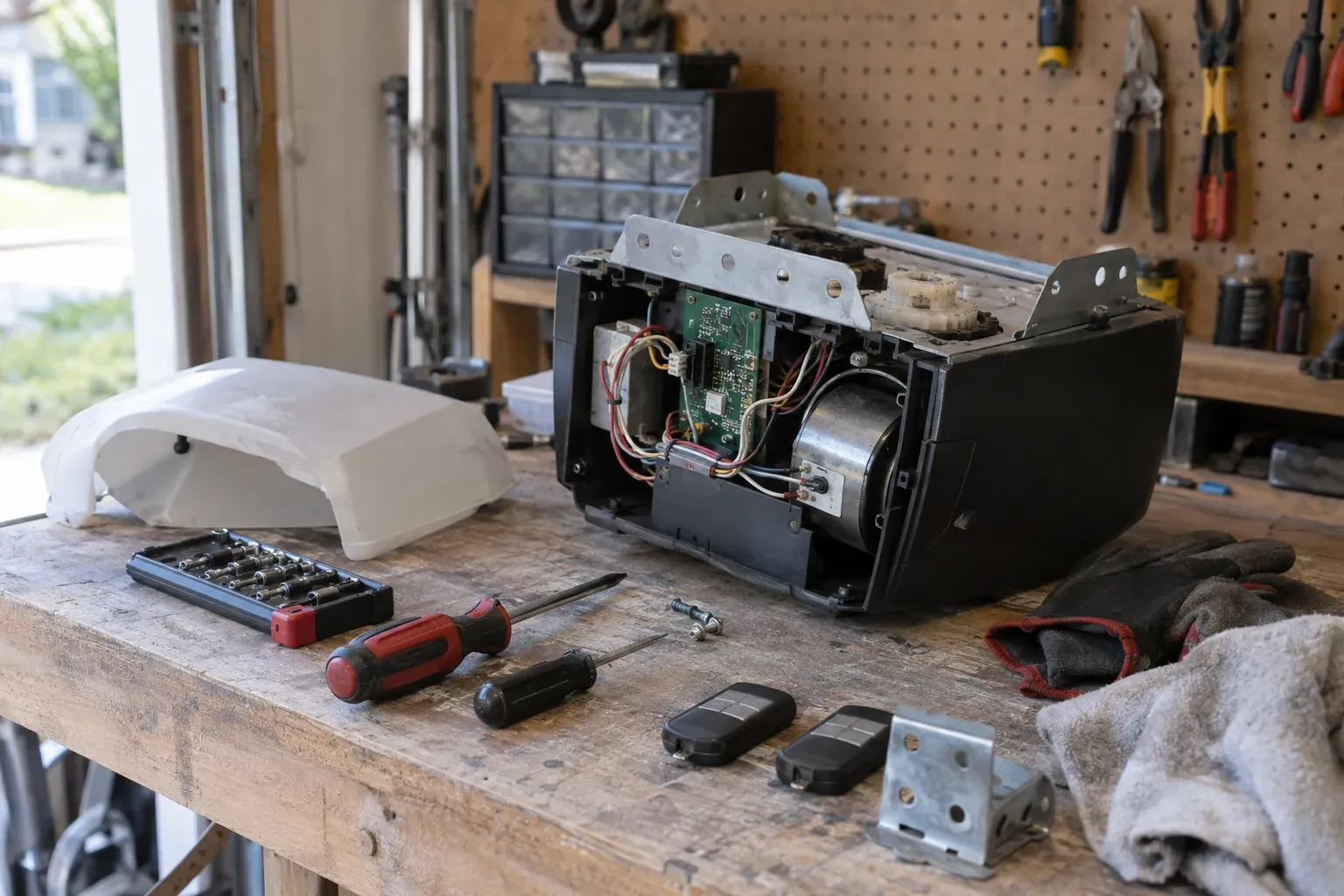
Under the light cover of the head unit, near the antenna wire, sits the learn or program button. Its colour on many makes and the model label beside it tell the technician which radio generation the receiver belongs to, and that decides which remotes and keypads can ever be paired with it. Most openers from the mid-1990s onward use rolling codes, earlier ones often fixed codes set by switches, but age alone does not confirm which; the model settles it. The accessory in hand is compared against the maker's compatibility list before its packaging is opened. Ten seconds with a ladder here prevents an afternoon of pressing buttons on a remote that was never going to work.
Clearing the memory and starting fresh
When a remote is lost or stolen, or the household has just moved in, the stored controls are wiped. The technician follows that model's own erase sequence, whether a single held button or a multi-button combination, until every remote, keypad code and vehicle button the opener knew is forgotten, including any the household never saw. Unplugging the unit would not have done this; only the correct sequence does, and a connected app or account is checked separately. Then the controls the household actually holds are programmed back one at a time, the keypad is given a new code, vehicles are retrained, and the door answers to a known and complete set of controls.
Batteries, and when to change them
Each remote and keypad leaves with a fresh cell of the type the maker specifies, and you know what those types are, since a coin cell in a remote and the small cells in a keypad are different. The first sign of a fading remote is shrinking range rather than sudden silence, so a remote that needs you closer than it used to is asking for a battery. Outdoor keypads are hardest on cells in the cold months; changing them each autumn saves a frozen-morning surprise. Rechargeable cells are not recommended for many keypads, and the record notes that.
Garage Door Remote and Keypad Programming
In the van
Receiver transformer and two-conductor wire
Wireless outdoor keypad
Universal multi-generation remote
AAA and nine-volt keypad batteries
Multi-door keypad
Garage Door Remote and Keypad Programming
What affects the quote
Connected features
Linking or unlinking a phone app, or checking that a previous owner's account is removed, is quoted as its own step alongside the remotes and keypad.
Access to the head unit
A high ceiling, a storage loft or a car that cannot be moved from under the opener means extra ladder work to reach the learn button.
Shared or managed building
In a condominium or rental building, coordinating with the property manager and working on a common door adds steps to the visit.
What to have ready
- Is any remote missing or stolen, or with someone who should no longer have access?
- Have the bulbs in the opener been changed to LEDs recently?
- Does the wall button move the door normally right now?
Garage Door Remote and Keypad Programming: questions
QuestionsDoes programming a new remote erase the old ones?
No. A short press of the learn button adds a control to the memory alongside the others. Erasing them takes that model's own sequence, a longer hold on many openers and a different button combination on others. Pressing into the erase sequence by accident is what occasionally leaves a household finding every remote dead after trying to add one. The fix is to reprogram each device.
How long do I have after pressing the learn button?
Roughly half a minute on most openers. Press and release the button, then press the remote button you want to use until the opener light blinks or the unit clicks. If the window closes before you finish, simply press the learn button again and repeat. The window is short on purpose, so a passing signal cannot slip into the memory.
What is the learn button and where is it?
It is a small button on the head unit, usually under the light cover on the same side as the antenna wire, sometimes on the back. Pressed briefly, it opens a window in which a remote or keypad can be added. Erasing every stored control follows that model's own sequence, which on some current openers needs more than one button. Some wall-mounted controls carry a second learn button that works the same way, and a connected app or account is managed on its own.
Related services
- Chain-Drive Opener RepairHalfway up, the door lurches.
- Belt-Drive Opener RepairThe belt looks fine from a distance, but up close the rubber has cracked across the back in dozens of places and, in one spot, you can see the steel cords showing through.
- Garage Door Opener ReplacementYou want the ceiling back.