Openers · Cannington
Garage Door Remote and Keypad Programming in Cannington
Someone in the family tried to add a remote, held the button on the ceiling unit a little too long, and now every remote in the house is dead at once.
In plain words
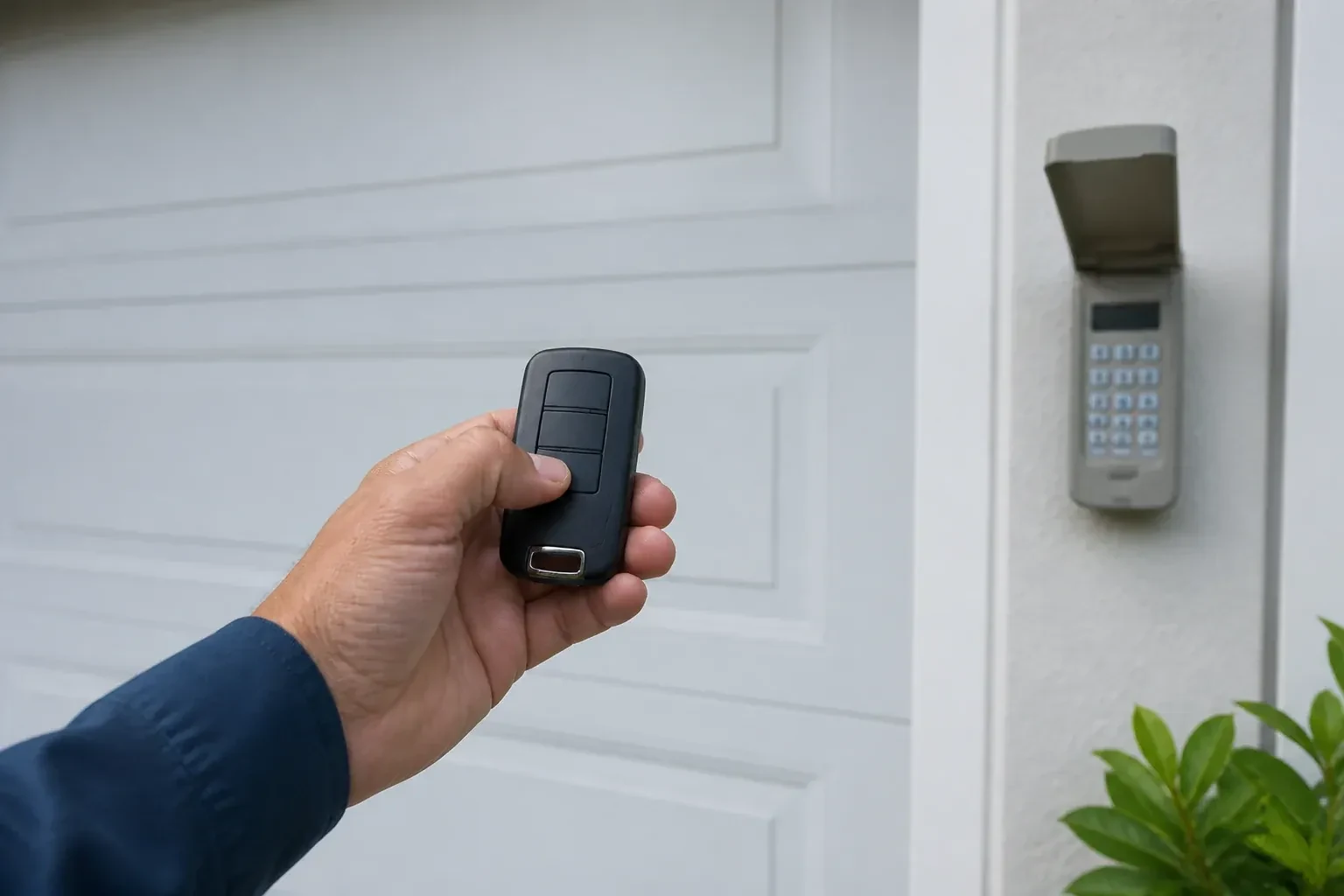
Over the years a garage accumulates controls: a remote in each car, one on a hook by the door, a keypad outside, a button in a vehicle you sold. Programming is the moment to take stock. The technician lists what exists, what works and what is missing, decides with you what should stay, and rebuilds the opener's memory to match. Each retained device is tested at the door and labelled for the door it drives. You leave with a short record of what opens the garage and what was removed, without any secret code written on it.
How the visit goesThe remote opens the door only when you are almost underneath it. From the end of the driveway you press five or six times and nothing happens. It started around the time the bulbs in the opener were changed to LEDs.
Garage Door Remote and Keypad Programming
How the visit goes
Who should be able to open this door?
Before touching the memory, the technician asks what the household wants the outcome to be. Is this adding one remote for a new driver, replacing a lost one, or starting fresh after a move? Are there vehicle buttons, a keypad and a phone app to keep? Is anyone's remote missing, or has a car with a programmed button been sold? The answers decide between adding to the stored controls and erasing everything and rebuilding. The technician also confirms the person asking is the owner, a tenant with permission, or the manager of a shared building, since access to a garage is access to a home.
Releasing lock mode and other simple resets
Some remotes are dead because the opener has been told to ignore them. The wall control's lock or vacation feature does exactly that, and shows itself as an indicator that blinks continuously and an opener light that flashes twice when a remote is pressed. The technician holds the lock button until the blinking stops and every remote comes back at once. A single remote with a stuck button, a bent battery clip or corroded contacts is opened and repaired or replaced. These are quiet fixes, but they are done deliberately and tested, because a household that thinks it has a programming problem often has a switch problem.
The car opens the door, and the door knows the car
Vehicle buttons are trained and tested from the driver's seat, and you know how yours was set up, since not every system uses the same two-stage method of the car learning a remote and then the opener learning the car. If you change vehicles, the new one is set up to its own instructions, and the old one's button should be cleared before the car is sold or returned from a lease. The handover note records which vehicles are programmed and to which door. Where a bridge module was fitted for an older in-car system, its location and what it does are pointed out so a future technician is not puzzled by it.
Garage Door Remote and Keypad Programming
In the van
Receiver transformer and two-conductor wire
Wireless outdoor keypad
Universal multi-generation remote
AAA and nine-volt keypad batteries
Multi-door keypad
Garage Door Remote and Keypad Programming
What affects the quote
Range and interference work
Swapping bulbs, freeing the antenna and re-testing range from the street is a small addition when remotes work only up close.
Receiver or logic board fault found
If a known-good remote also fails, the receiver or board is the cause; its diagnosis and replacement are quoted separately from programming.
Access to the head unit
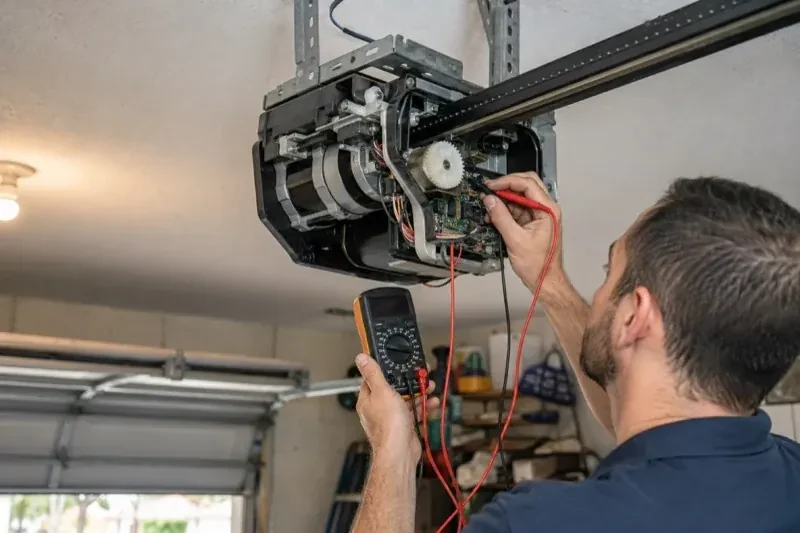
A high ceiling, a storage loft or a car that cannot be moved from under the opener means extra ladder work to reach the learn button.
What to have ready
- Does the wall button move the door normally right now?
- Roughly how old is the opener, and can you read its model label?
- Is the light on the wall control blinking steadily?
Garage Door Remote and Keypad Programming: questions
QuestionsDoes programming a new remote erase the old ones?
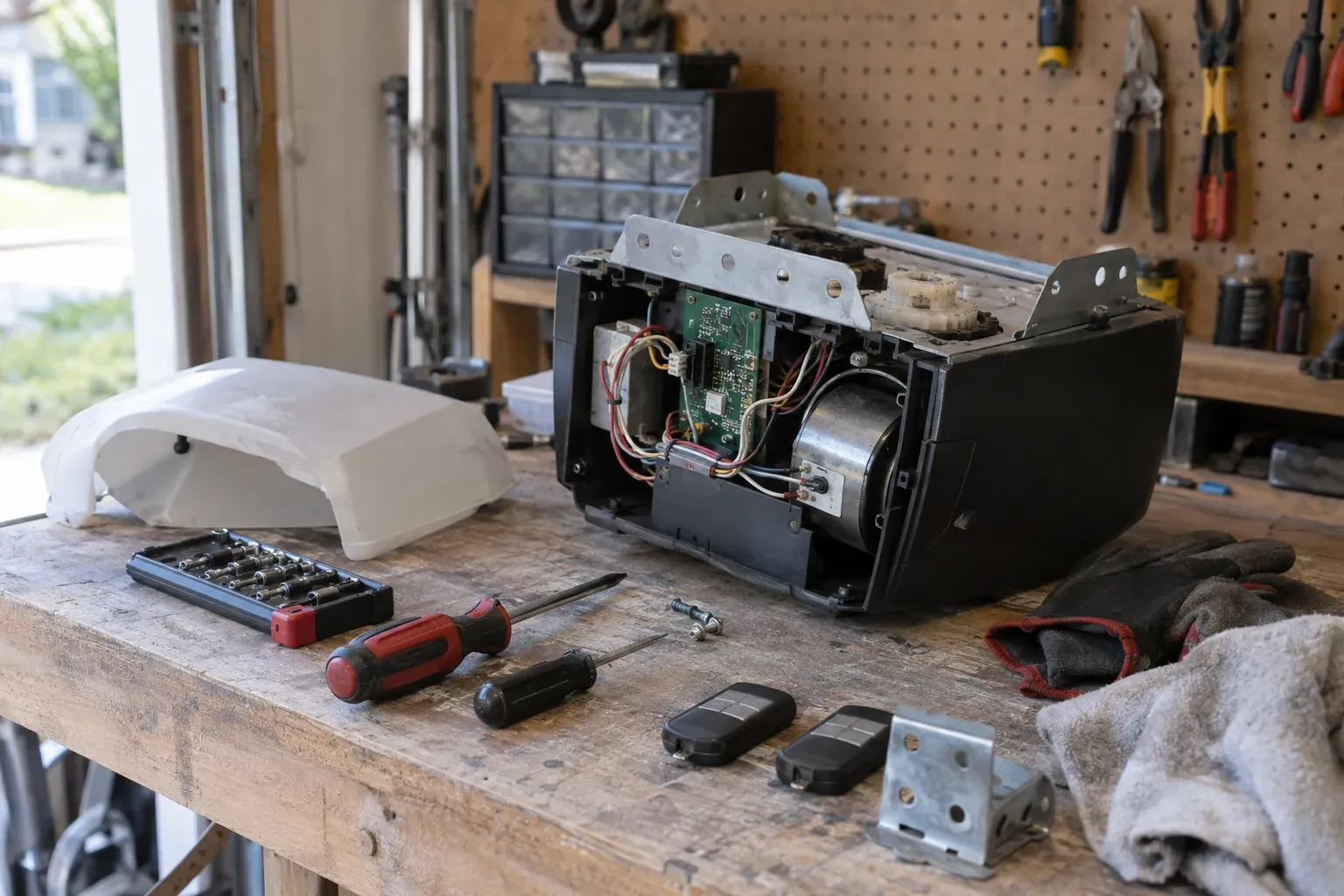
No. A short press of the learn button adds a control to the memory alongside the others. Erasing them takes that model's own sequence, a longer hold on many openers and a different button combination on others. Pressing into the erase sequence by accident is what occasionally leaves a household finding every remote dead after trying to add one. The fix is to reprogram each device.
How long do I have after pressing the learn button?
Roughly half a minute on most openers. Press and release the button, then press the remote button you want to use until the opener light blinks or the unit clicks. If the window closes before you finish, simply press the learn button again and repeat. The window is short on purpose, so a passing signal cannot slip into the memory.
What is the learn button and where is it?
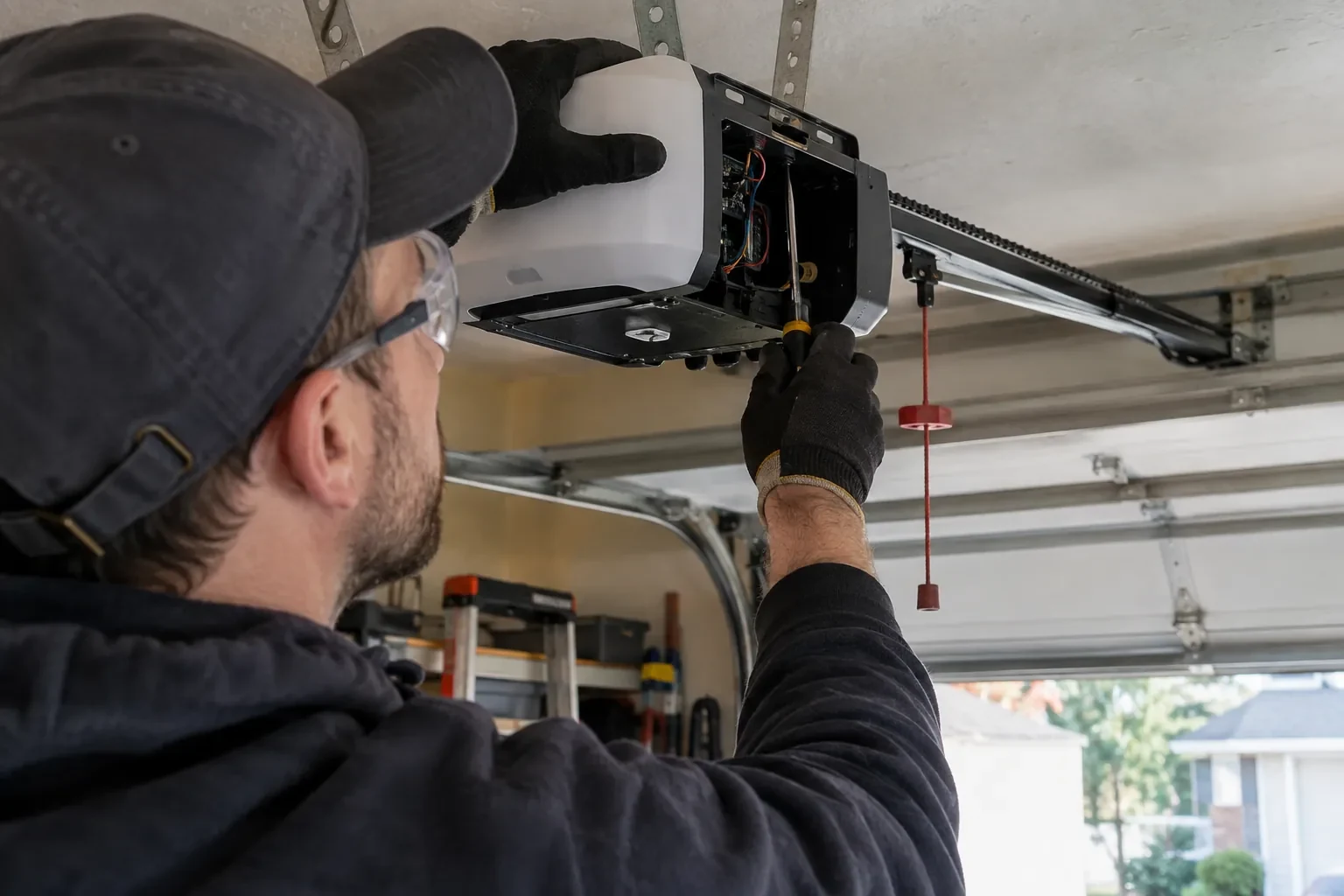
It is a small button on the head unit, usually under the light cover on the same side as the antenna wire, sometimes on the back. Pressed briefly, it opens a window in which a remote or keypad can be added. Erasing every stored control follows that model's own sequence, which on some current openers needs more than one button. Some wall-mounted controls carry a second learn button that works the same way, and a connected app or account is managed on its own.
Related services
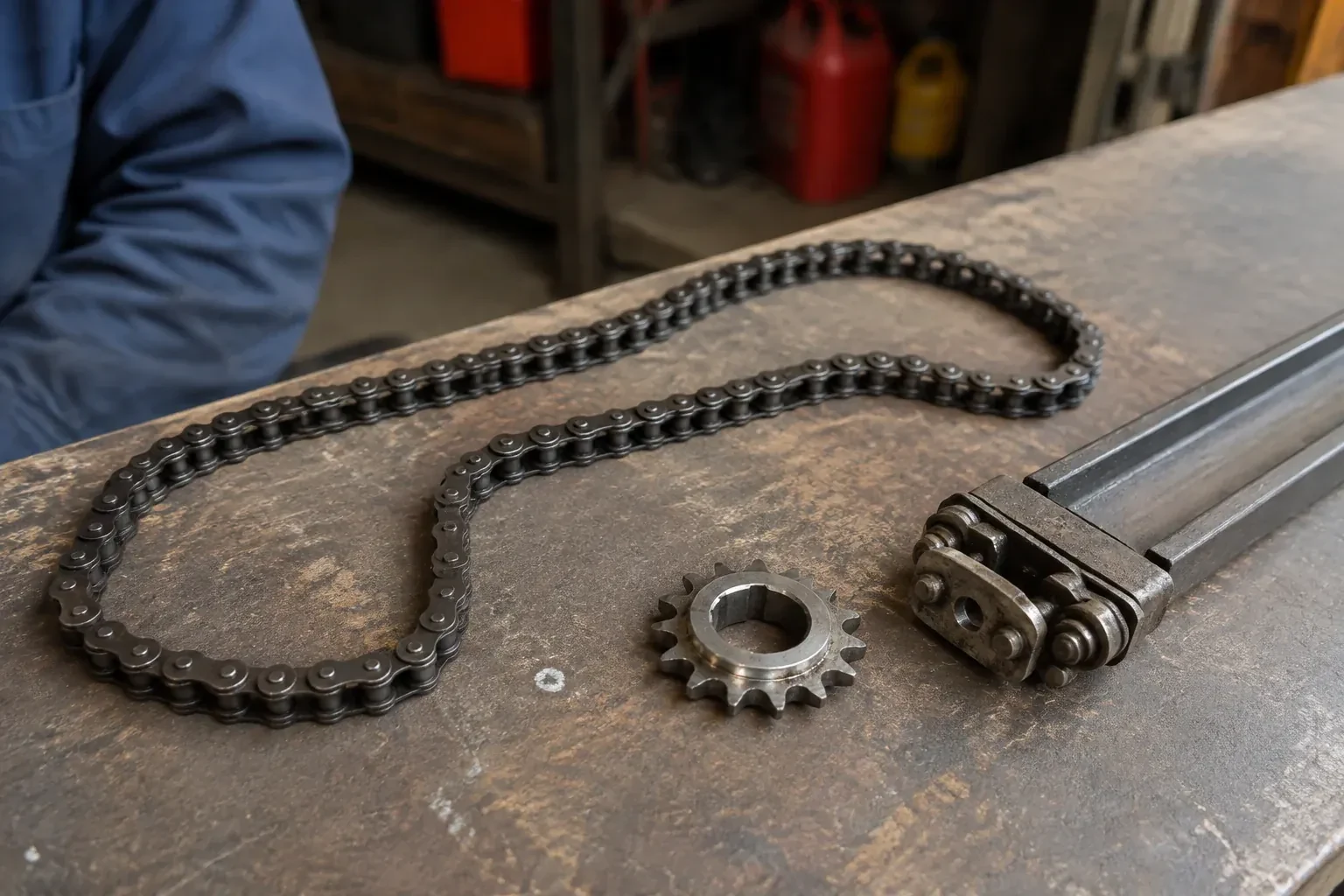
- Chain-Drive Opener RepairHalfway up, the door lurches.
- Belt-Drive Opener RepairThe belt looks fine from a distance, but up close the rubber has cracked across the back in dozens of places and, in one spot, you can see the steel cords showing through.
- Garage Door Opener ReplacementYou want the ceiling back.