Openers · Sunkist Beach
Smart Garage Controller Setup in Sunkist Beach
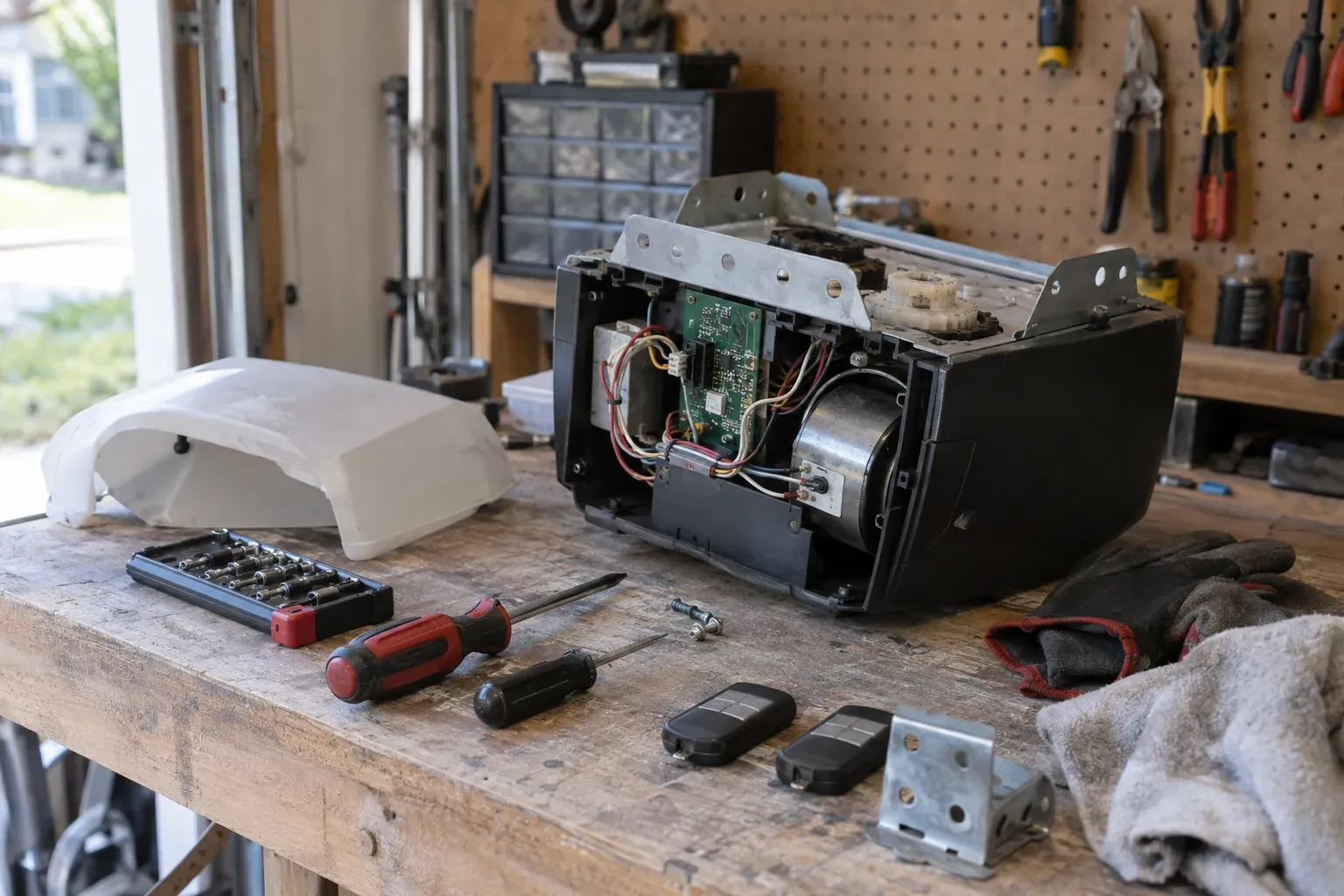
The house came with a controller already screwed to the garage ceiling and a sensor on the door, but the app insists the device belongs to another account.
In plain words
By the end of the visit your phone shows the door's true state, updates within a few seconds of any movement, and keeps a history of every open and close with the time, and the user when the command came from a signed-in app or virtual key. You can open the door for a delivery from the office, let a relative in for the weekend, and get a nudge if the door is still up at bedtime. Your remotes, keypad and wall button carry on exactly as before. And you understand the system well enough to add a user, change an alert or swap the sensor battery without calling anyone.
How the visit goesOne remote lives in a car you sold last spring. The other needs three presses from the driveway and its battery cover is taped on. Your phone is already in your hand when you pull in, and it would make a better opener.
Smart Garage Controller Setup
How the visit goes
Signal strength at the ceiling
The hub will live beside the motor, so that is where wireless coverage is measured, not at the kitchen counter. The technician checks signal on the 2.4 GHz band, which most controllers use for its range, and notes how many walls, a floor and possibly an insulated steel door stand between the router and the garage. A detached garage across a driveway, a router tucked in a basement corner, or metal cladding on the garage wall all show up in this reading. Where the signal is marginal the plan includes a small access point or extender placed partway, because a hub that drops offline each week is not a working installation.
Switching on a built-in radio
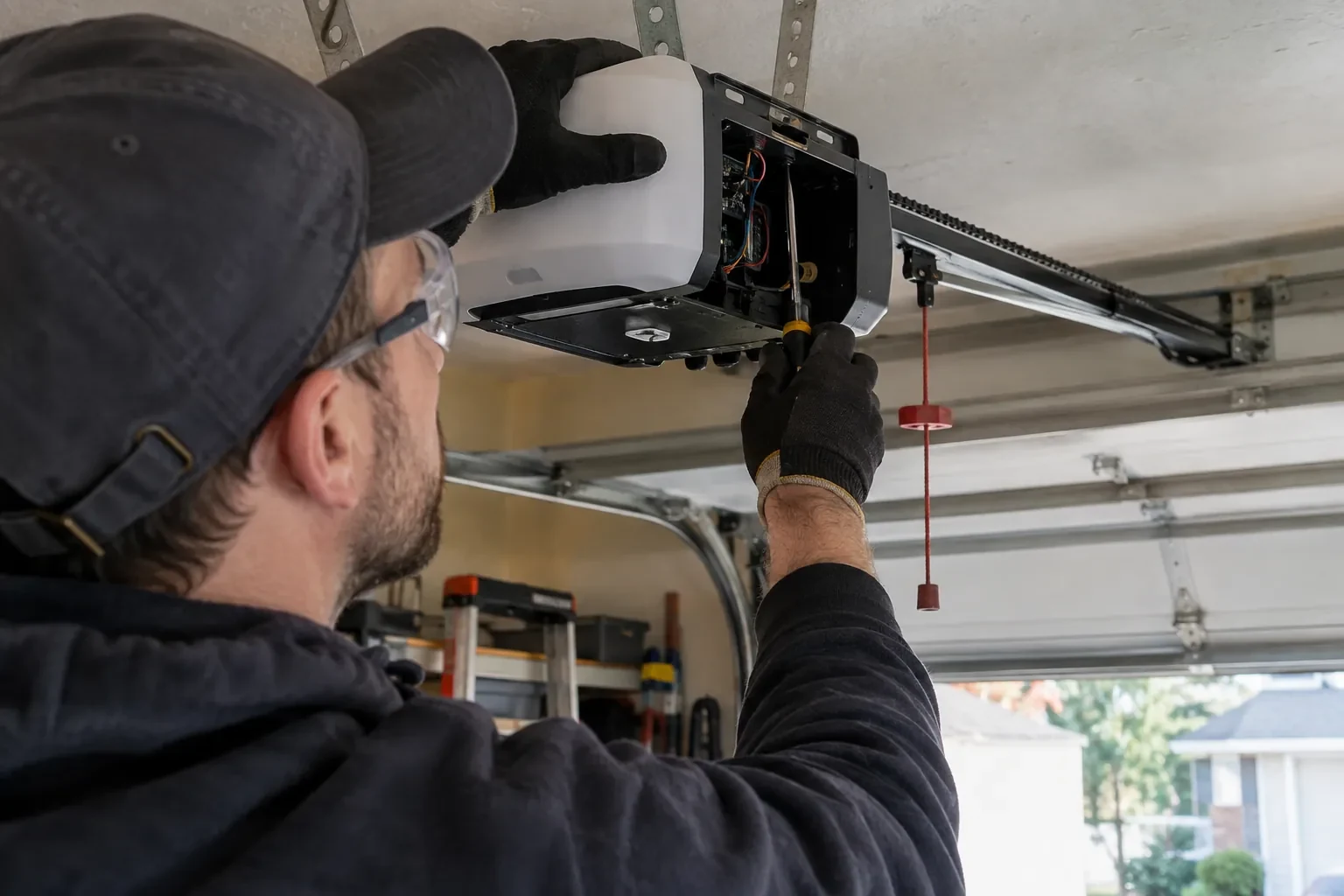
When the opener has its own wireless radio, the work is mostly done at the head unit. The technician puts the opener into its pairing mode, usually by a button press or a sequence on the wall console, which broadcasts a temporary network the phone can see. Through the app the owner selects the home network and enters its password; the opener joins, its indicator turns steady, and the serial number from the label registers the device to the owner's new account. The technician then runs the door from the app and from the wall button to confirm position reporting matches the real door, and applies the firmware update the app offers before moving on to alerts and users.
When the internet is down
A dropped connection changes less than you might fear. Your wall console, remotes and keypad talk directly to the opener and keep working through any outage. What pauses is the phone side: status updates, alerts and commands from outside the house wait until the hub reconnects, which it does on its own once the router is back. If you change routers or rename your network, the hub needs to be walked through the join process again, using the same steps you watched during setup. The door itself, and the safety features on it, never depend on the cloud.
Smart Garage Controller Setup
In the van
Replacement photo-eye pair
Low-voltage bell wire
Receptacle splitter with approval mark
Lithium coin cell or cylindrical cells
Mounting screws and brackets
Smart Garage Controller Setup
What affects the quote
Alerts, schedules and integrations
A left-open alert and a nightly schedule are standard. Linking the door to other smart-home systems or setting up several schedules is additional configuration.
Built-in radio or retrofit hub
An opener whose wireless radio is already inside needs configuration and testing. An older opener needs a hub, a sensor, wiring or radio pairing and the same testing, which is a longer visit with hardware.
Door and opener condition
A heavy, binding or badly balanced door is corrected before a controller is added. That door-side work, from rollers to spring adjustment, is quoted on its own.
What to have ready
- Who in the household needs everyday access, and does anyone need temporary access?
- Is the garage attached to the house or detached?
- Is there an existing controller on the ceiling from a previous owner?
Smart Garage Controller Setup: questions
QuestionsWhy does the door beep and flash before it closes from the app?
Because someone closing a door they cannot see needs to give anyone near it a warning. The operator standard for garage door openers requires an audible alarm and a flashing light for several seconds before a door moves on an unattended command, along with working photo eyes. The beeper and light are built into the controller for that reason, and they are tested during setup so you have heard them yourself.
Will I get an alert if the door is left open?
That is one of the first settings made. You choose how long the door can stay open before you hear about it, often ten or fifteen minutes, and the notification goes to every phone on the account or only to some. In a climate with real winters this single alert saves a good deal of heat, and occasionally a pipe in the wall shared with the house.
Can other people in my household use it?
Yes. The owner's account invites each family member as a user with their own login on their own phone. Each person's opens and closes appear in the history under their name, and the owner can adjust or remove any user at any time. Sharing one login is discouraged because it muddles the history and makes it harder to remove access for one person later.
Related services
- Chain-Drive Opener RepairHalfway up, the door lurches.
- Belt-Drive Opener RepairThe belt looks fine from a distance, but up close the rubber has cracked across the back in dozens of places and, in one spot, you can see the steel cords showing through.
- Garage Door Opener ReplacementYou want the ceiling back.